Manual sorting after every shoot
Copying files off a card is only half the job. You still have to sort photos, videos, audio, and sidecars into date and camera folders by hand.
Copy photos, videos, audio, and sidecars from camera cards to your library in an organized, verified flow. After copying finishes, Fyluro reads each file back from disk and compares it against the source checksum. After every run, it writes a receipt with the summary and every action taken.
$brew install --cask taaanos/tap/fyluro
Copying files off a card is only half the job. You still have to sort photos, videos, audio, and sidecars into date and camera folders by hand.
After a manual copy, many people open random files just to feel sure the transfer worked. You should not have to guess before you format a card.
If a copy stops halfway or you insert the same card twice, you have to figure out what landed, what is a duplicate, and what was missed.
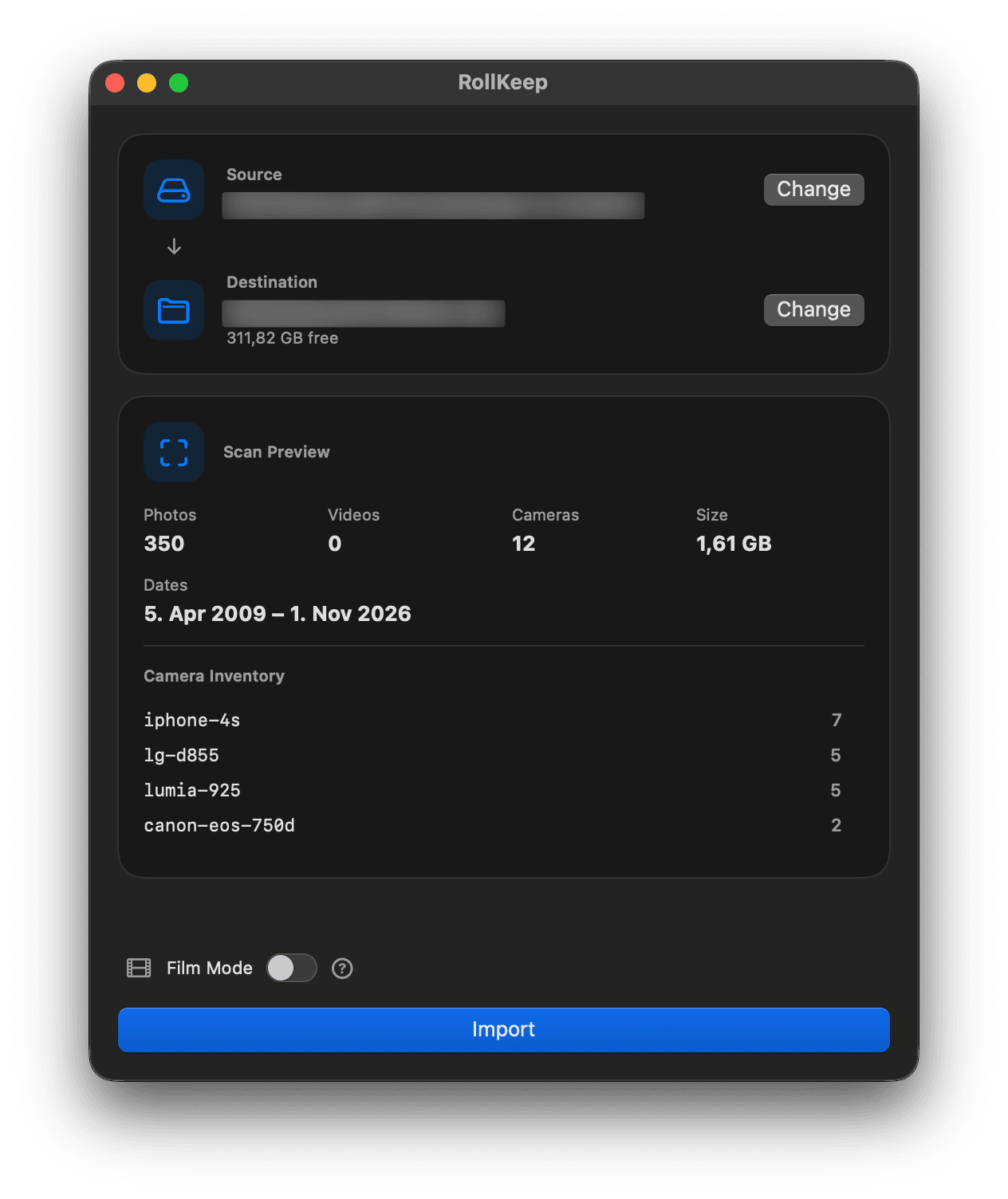
Select a source card and a destination drive. Fyluro scans photos, videos, audio, and sidecars, detects cameras, and previews every destination path before it writes a byte.
Fyluro copies each file to a staging folder while computing its SHA-256 checksum. It writes gently to protect drive health and flushes data to disk when copying ends.
Fyluro reads every staged file back from disk and compares its checksum and size against the source. Any mismatch stops the run before any file enters your library.
Fyluro moves verified files into your chosen folder structure (such as date, camera, and media type) without overwriting existing files. It writes a receipt with the run summary and every action taken.
Checks that source and destination do not overlap and opens the receipt file before the session starts.
Resolves paths to reject nested or equal source and destination folders. Locks the path strategy and run settings at session start.
Zero writes if rejected. Opens the append-only NDJSON receipt in destination receipts (or local temp fallback) on start.
If folders overlap or no receipt sink can open, the run stops before session start with zero changes on disk.
Fyluro never modifies, renames, or deletes files on your camera card.
Identical files are skipped as duplicates. Name collisions with different content get a sequence suffix (-1, -2).
Every file lands in staging first and passes a read-back SHA-256 check before it moves into your library.
Embedded EXIF, video metadata, and filesystem dates stay unchanged. Optional Film Mode for digitized film is off by default.
Every session writes an append-only receipt (with an optional PDF summary). If a run stops or cancels, staging files and the receipt stay on disk for inspection.
Fyluro writes only to staging, receipts, and new library folders. It detects your drive type to avoid unnecessary disk wear and heavy seeks.